

Free In-Home Consultation

Cook Remodeling

Food

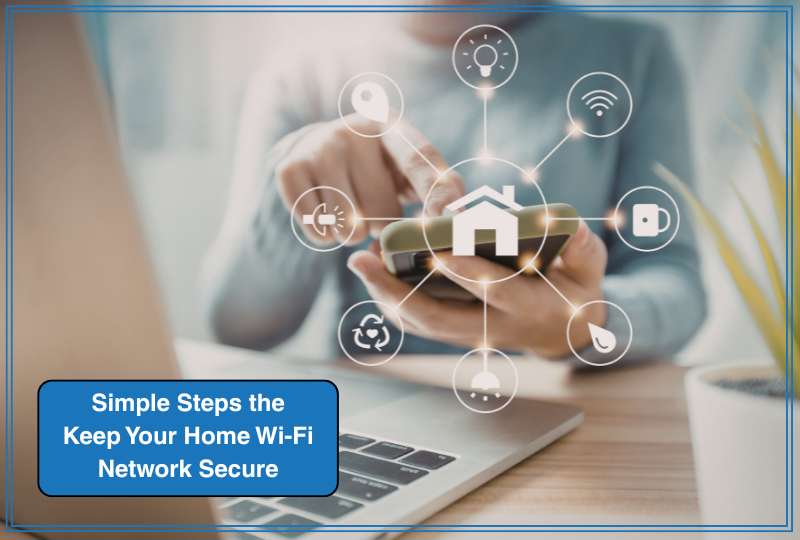
Simple Steps the Keep Your Home Wi-Fi Network Secure

Today’s homes are more connected than ever — laptops, tablets, thermostats, doorbells, appliances, TVs, even lightbulbs. Your Wi-Fi network quietly powers daily life. But without proper protection, it can also become a gateway for hackers, identity theft, or privacy breaches.

The good news? Securing your home network is easier than most people think.

Your router is your home’s digital front door.

    • Change the default network name (SSID)and administrator password. Default settings are easy for attackers to guess.
    • Use a strong Wi-Fi password (at least 12–16 characters with a mix of letters, numbers, and symbols).
    • Enable WPA3 encryption (or WPA2 if WPA3 isn’t available). Avoid WEP — it’s outdated and insecure.
    • Disable remote management unless you truly need it.

Taking 10–15 minutes to update these settings dramatically increases protection.

1. Keep Everything Updated

Routers, smart TVs, cameras, and even appliances receive firmware updates that patch security vulnerabilities. Turn on automatic updates whenever possible. If your router is more than five years old, consider upgrading to a newer model with modern security standards.

2. Create a Guest Network

If friends, contractors, or visitors need internet access, use a separate guest network. This keeps your primary devices — computers, phones, and smart home systems — isolated and safer.

3. Secure Smart Home Devices

Smart doorbells, thermostats, and security cameras are convenient — but they’re also internet-connected.

    • Change default passwords immediately.
    • Disable features you don’t use.
    • Only buy devices from reputable brands that provide ongoing security updates.

4. Add Extra Layers of Protection

    • Install reputable antivirus software on computers.
    • Enable your router’s built-in firewall.
    • Consider whole-home network security services if you manage many connected devices.

Peace of Mind in a Connected World

A secure Wi-Fi network protects your finances, your privacy, and even your family’s safety. Just like locking your doors at night, securing your digital home should be part of routine home maintenance.

A little attention today can prevent a major headache tomorrow — and help ensure your home remains a safe haven in every sense of the word.


Therefore everyone who hears these words of mine and puts them into practice is like a wise man who built his house on the rock. The rain came down, the streams rose, and the winds blew and beat against that house; yet it did not fall, because it had its foundation on the rock. Matthew 7:24-25


Recent Posts:
 

Share this post

PinIt

Leave a Reply

Sign Up For News, Trends, Tips & Design Ideas

Get creative ideas, the latest trends, inspiration and deals from Cook Remodeling delivered each month to your inbox.

Sign Up

Contact Us

Kitchen Remodeling Projects

Dark and Drab to Exquisite.
This kitchen and family room were completely transformed.

A Kitchen For Entertaining.
Homeowners wanted a unique shape kitchen with custom hood and faux painted walls.

Beautiful With Lots Of Storage.
The goal for this project was lots of counter top space and storage!

Warm & Inviting.
Gorgeous cabinetry and a large wood-top island make give this kitchen the award for comfort.

Cabinets Define The Look.
The kitchen serves as central command, the place where everything happens.

Clients Reviews

We were very pleased with the professional approach of you and your staff. The professionalism displayed; being an honest and ethical contractor, a nice person, and your philosophy of making the owner happy made it happen. We did achieve our dream home and are enjoying the many new amenities… We highly recommend Cook Remodeling to our friends and neighbors for their contractor of choice.
William Badger, PhD, ASU School of Construction